
How To Add Your Business Listing On The Website: Step by Step

Are you ready to add your business listing on our website?
Follow the instructions below
Step 1: Choose Listing Type
Click “Add Your Business” and select “Garden Route Business Listings”

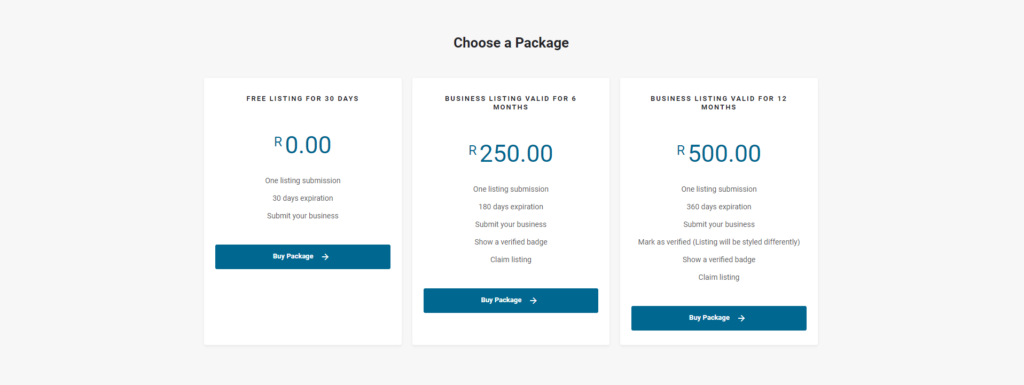
Step 2: Choose a Package
Choose one of the available listing packages to get started.
You can upload a free business listing for 30 days or choose a package for a once-off yearly fee. Click “Buy Package” to get started.
Step 3: Add Listing Details
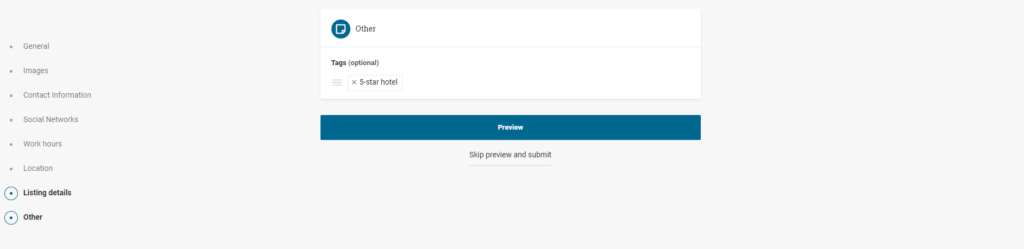
Add listing details and click “Preview” to see how your listing will appear on the website.
Listing Information:
Listing Title
Listing Tagline
Listing Description
Logo
Cover Image
Gallery
Email Address
Phone Number
Website
Social Network Links
Working Hours
Google Map Location
Region
Listing Category
Tags
If you are happy with your listing, click preview to view your listing.
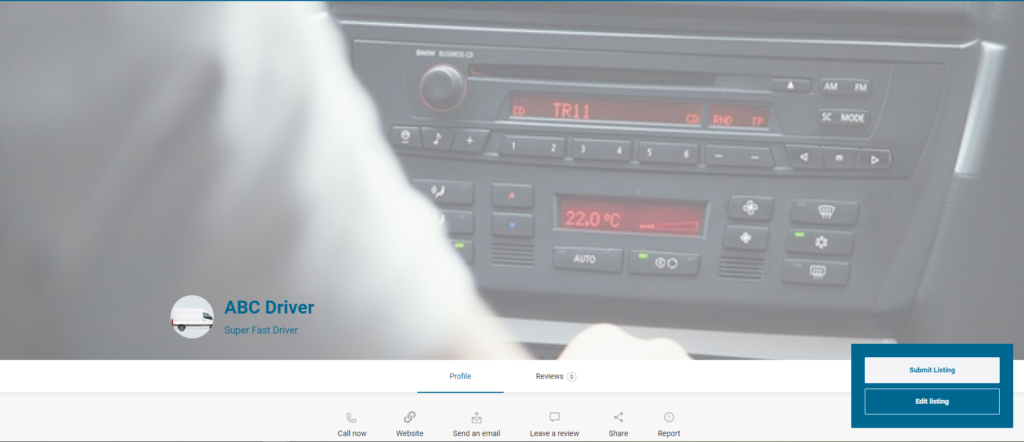
Listing Preview
Click “edit listing” to make changes or “Submit Listing” to proceed.
Step 4: Checkout: Make Payment
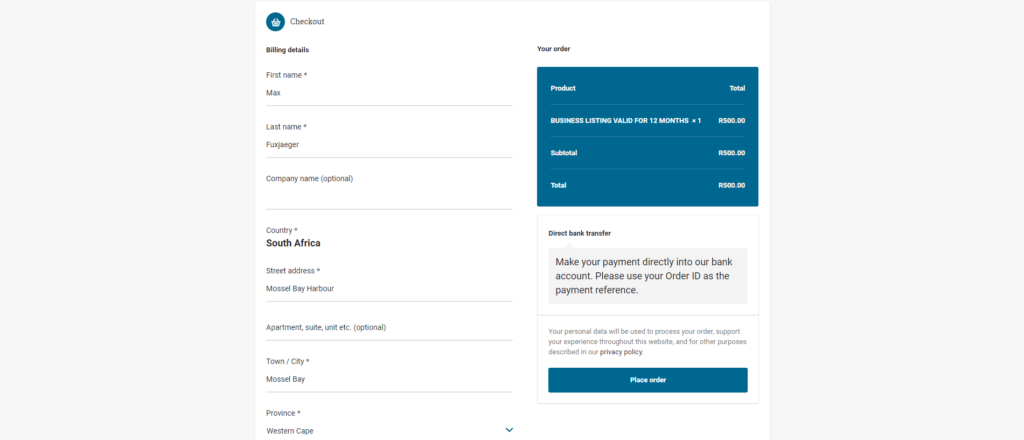
You can now pay for your business listing by completing your billing details and then placing the order.
The free package is FREE, but you will need to complete your billing information to proceed.
That’s it!
You will receive an email with a unique order number(ID).
Please use the order number for Proof of Payment.
We will activate your listing after we received POP from you.
Send POP to cobus@gardenroutetourism.com